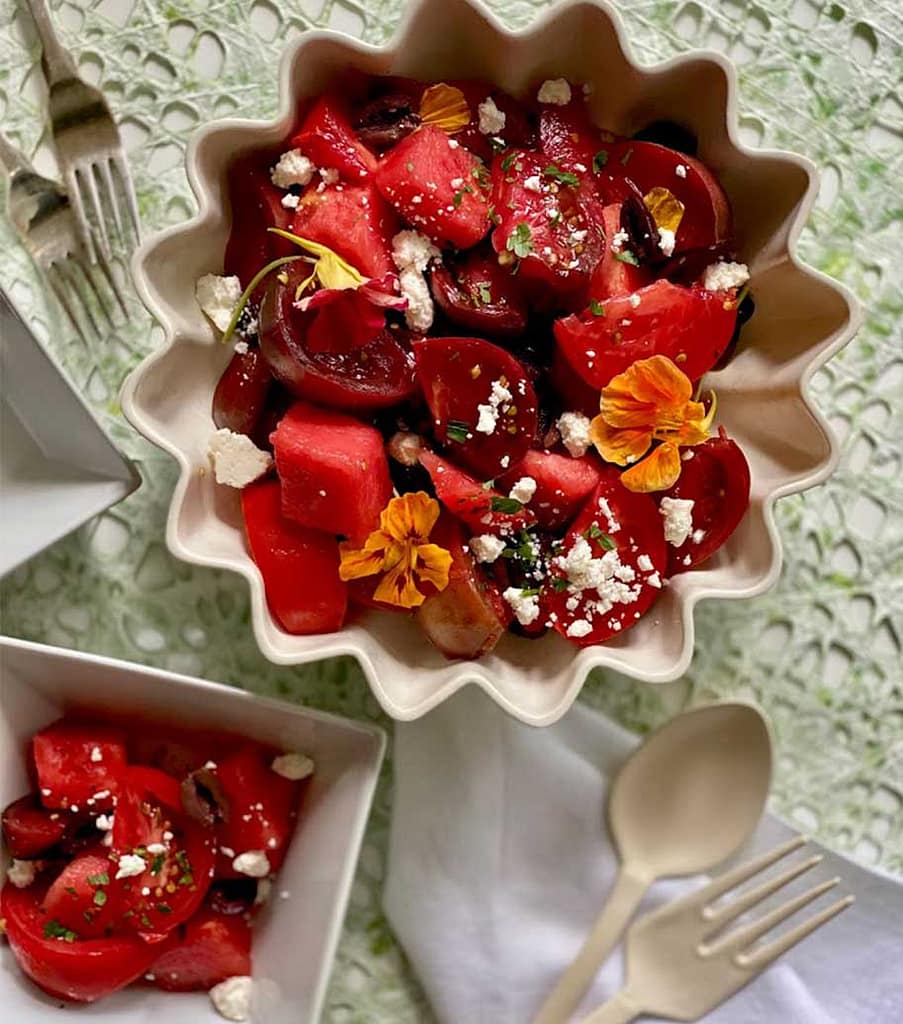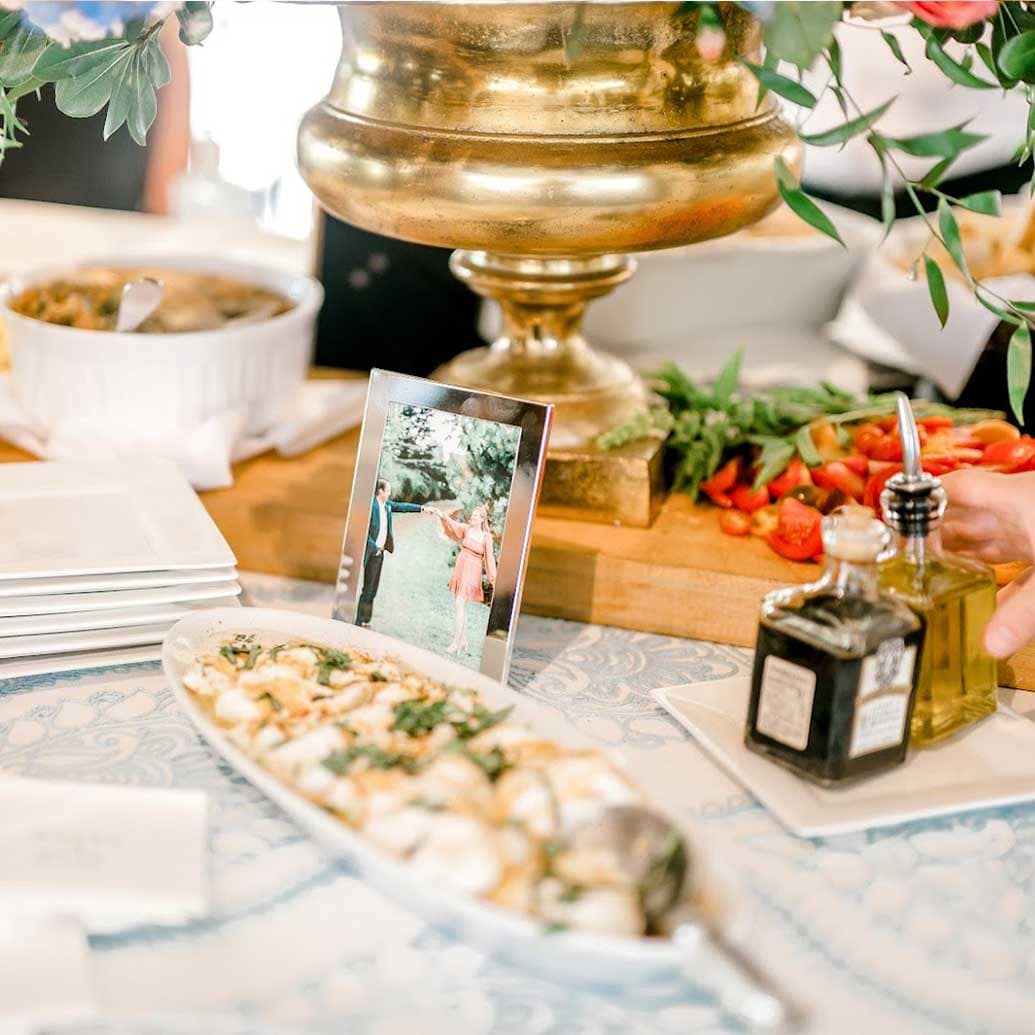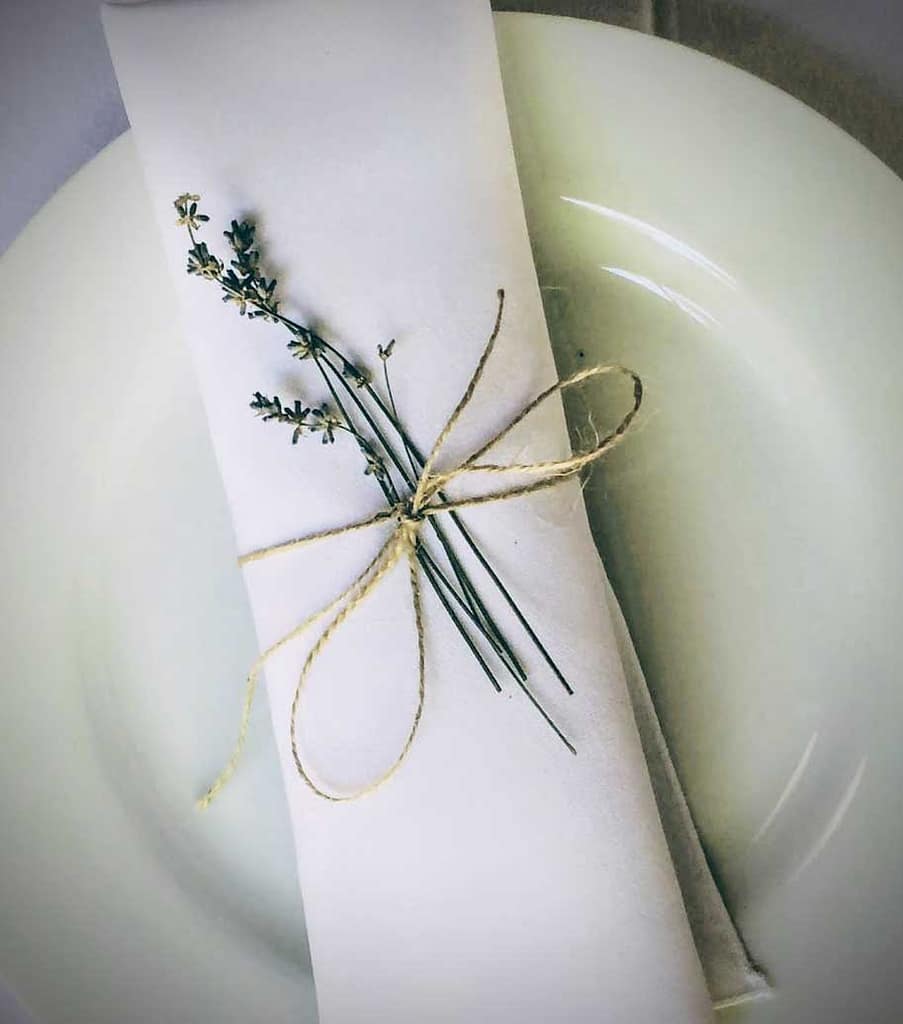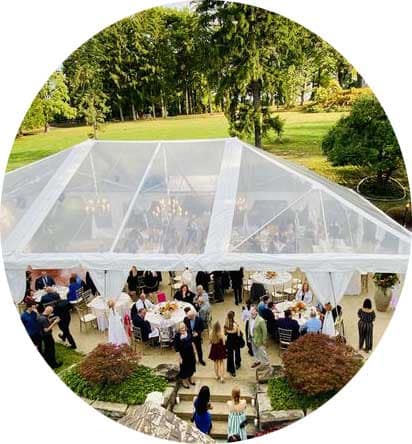
For over 35 years, All in Good Taste Productions has been Pittsburgh’s most trusted name in catering and event planning. We specialize in creating unforgettable experiences for weddings, corporate events, and private celebrations throughout Pittsburgh and the surrounding areas.
Located in the Mexican War Streets of Pittsburgh, PA, we pride ourselves on being the city’s premier event catering company. For 35 years, the AIGTP team has been providing Pittsburgh and the surrounding areas with our signature cuisine, impeccable décor, and distinguished service.
From intimate dinner parties to grand wedding receptions, we deliver exceptional cuisine, stunning event design, and impeccable service. Whether you’re planning a corporate luncheon in Downtown Pittsburgh, an elegant wedding in Shadyside, or a private party in the North Side, our experienced team handles every detail with professionalism and creativity.